How to Protect Electronics From Lightning: Surge Protection, Data Lines and Grounding
By Site Safe Lightning Protection 9 min read

To protect electronics from lightning, cover every way a surge can get in. Lightning reaches a TV, router or computer through the wires attached to it: power, cable, phone, Ethernet and antenna lines. In practice that means unplugging before a storm arrives, a surge protective device (SPD) at the electrical service, plug-in protectors that also take the data cable, every incoming line bonded to one grounding point, and extra care with any cable that runs outdoors. For a direct hit on the house, a lightning protection system on the structure carries the strike to ground outside the walls. None of these makes equipment immune to a direct strike on the wiring, and the National Weather Service says plainly that typical surge protectors won’t protect equipment from a lightning strike (NWS).
How lightning gets to your electronics
The NWS lists three ways lightning enters a building: a direct strike, wires or pipes that run outside, and the ground. Once inside it travels on the electrical, phone, plumbing and radio or TV reception systems (NWS). Equipment doesn’t need a direct hit to fail. The NWS notes that lightning generates surges that damage electronics some distance from the strike itself.
Distance helps less than people assume. Analog Devices, which makes Ethernet chips, worked an example for a 50,000 A strike a mile away from a 150 m Ethernet run. With the cable forming a loop about 1 m by 150 m with the building’s ground, it estimated roughly 937 V induced in that loop (Analog Devices).
Insurers paid $1.65 billion on 61,986 US homeowners lightning claims in 2025, an average of $26,616 a claim. In Texas the average was $60,382 (III).
Step 1: unplug before the storm, not during it
Unplugging is the only thing that takes a device completely out of the circuit, and it costs nothing, but do it early. The NWS tells people not to touch computers, TVs or cords during a thunderstorm, and specifically says not to unplug equipment once the storm is overhead because you could be struck (NWS). Pull the plugs when storms are forecast or you’re leaving for a few days. Once you hear thunder, leave it.
Unplug the data side too. A TV unplugged from the wall but still connected to the cable line is still connected to the outside world. The same goes for a desktop still on its Ethernet cable, or a modem still on the coax.
Step 2: a surge protective device at the service
A whole-house SPD at the electrical panel or meter catches big surges on the power line before they reach your branch circuits. NIST’s homeowner guide on surges says this is its main job, and that it makes plug-in protectors work better downstream (NIST). New and replaced residential services may need one already. Section 230.67 of the 2020 National Electrical Code requires an SPD, Type 1 or Type 2, on all services supplying dwelling units, including when service equipment is replaced (Leviton, NEC 230.67 text). A licensed electrician installs it. Our lightning arrester guide explains SPD types and how to read the label.
A panel SPD isn’t enough on its own. NIST’s answer to whether a service-entrance protector covers the whole house is yes for appliances with only a power cord, and no for anything that also has a phone, cable or antenna connection (NIST). NIST adds that most homes have some of these two-link devices, which is why its practical answer is no.
Step 3: plug-in protectors that take the data line too
NIST calls these “two-link” appliances: equipment connected to both power and a communications line. A surge on either one can damage the device because, for a moment, the two systems sit at different voltages. That can happen even with a surge protector on each system. The fix NIST recommends is a single protector that carries both, with phone jacks or coax connectors next to the power outlets, so both links share one reference (NIST). Protectors with Ethernet jacks work on the same idea.
| Equipment | Connections | What to use |
|---|---|---|
| Lamp, radio, laptop on Wi-Fi and its charger | Power only | Ordinary plug-in surge protector, behind the panel SPD |
| TV on cable or satellite, cable box | Power + coax | Protector with coax in/out |
| Cable or fiber modem, router | Power + coax or phone line, plus Ethernet | Protector with coax and Ethernet passthrough |
| Desktop PC or console wired to the router | Power + Ethernet | Protector with Ethernet passthrough, on the same strip as the router if you can |
| Corded phone base, alarm panel | Power + phone line | Protector with phone jacks |
Based on NIST’s one-link and two-link categories (NIST).
NIST adds two practical notes. A plug-in protector helps the other outlets on the same branch circuit somewhat, but much less on other circuits, so put one at each sensitive device. And these protectors need a real three-prong grounded outlet; some don’t work well through a two-prong “cheater” adapter. A small UPS keeps a computer running through a sag or short outage, and many models include surge protection as a bonus (NIST).
Step 4: bond every incoming line at one point
The phone company normally puts a protector at the network interface box where the line enters the house, and the National Electrical Code requires the cable TV line to be grounded (NIST). Those grounds should land at the same place as the electrical ground. Analog Devices notes that a properly grounded building references a single ground conductor at the utility entrance, which is why ground-potential surges do less damage to wiring that stays inside one building (Analog Devices). If the cable line is grounded to a separate rod on the far side of the house, that single reference is lost, and a nearby strike can put the coax and the power wiring at different voltages, the same two-link problem NIST describes.
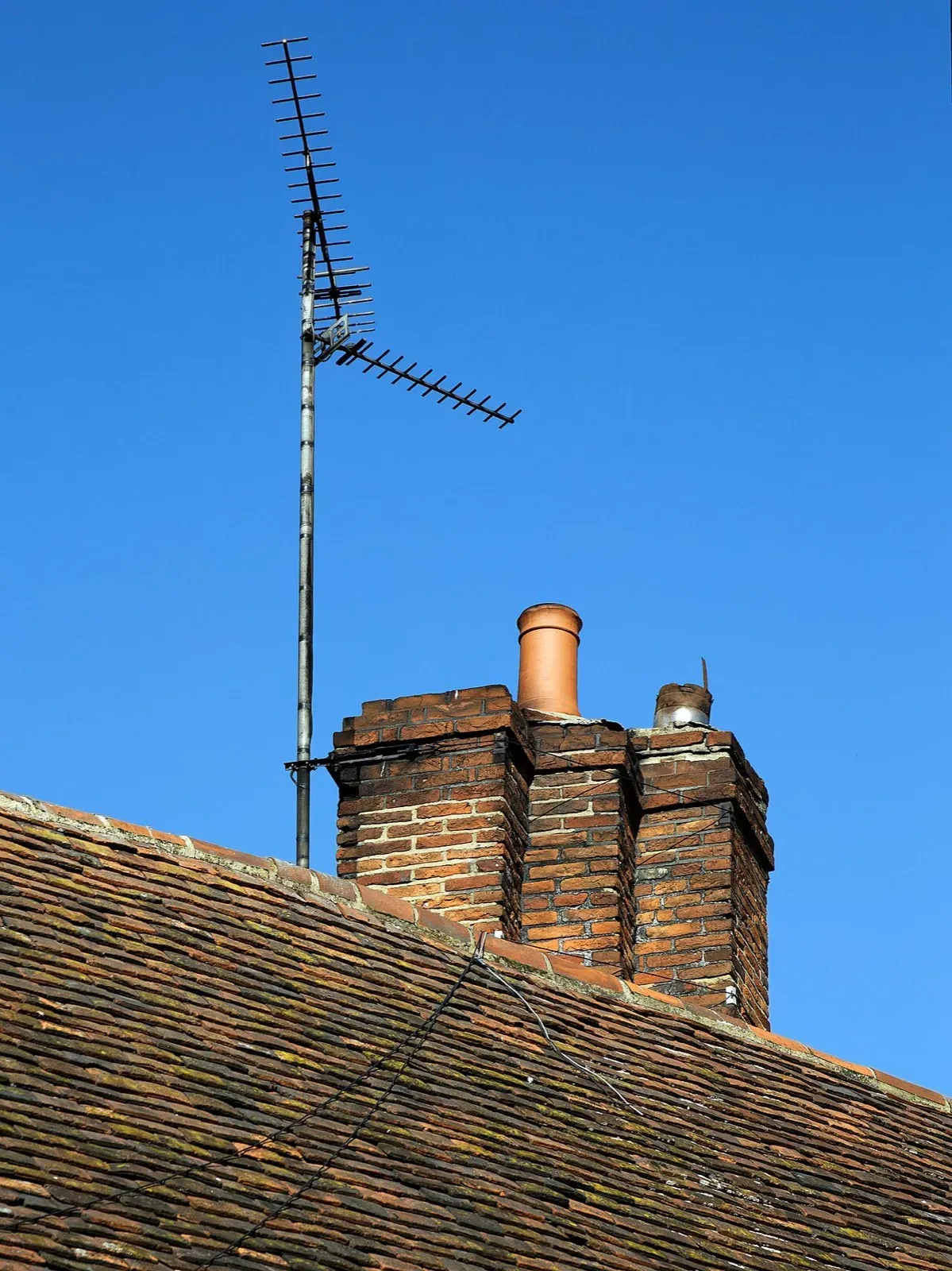
Walk around the outside of the house. Find where power, cable, phone and any antenna or dish line come in. Each should have a ground wire running to the same grounding system as the electrical service. If one runs to its own rod in the flower bed, or has no ground wire at all, call the provider or an electrician. Our antenna lightning protection guide covers TV antennas, satellite dishes and Starlink masts.
Step 5: Ethernet lightning protection for outdoor runs
Ethernet that stays inside one building is rarely the weak point. The trouble starts with runs that leave it: Cat6 to a detached shop, a barn, a gate controller, or a PoE camera on a pole. Analog Devices explains that when lightning hits the ground, current spreads out and the ground potential stops being the same at two locations. For Ethernet between buildings, that difference can span the whole cable and drive large currents through the equipment at both ends (Analog Devices). The larger the loop the cable makes with the ground, the more voltage a nearby strike induces in it.
Practical options, roughly in order of how well they work:
- Break the copper path. Analog Devices notes that isolating one or both ends of the cable is a way to eliminate surge current. Between buildings, the usual way to do that is a fiber link or a point-to-point wireless bridge instead of copper.
- Protect both ends. If copper has to run outside, put an outdoor-rated Ethernet surge protector where the cable enters each building, bonded to that building’s grounding electrode system with a short, straight wire.
- Keep the loop small. Run cable close to the structure or buried rather than strung through the air, and route camera cables along the building rather than out and back.
Shielded Cat6 helps only when the shield is bonded properly. Analog Devices’ answer is a well-coupled shield that carries the induced current instead of the data pairs, plus common-mode chokes. That’s design work for whoever installs the network, so ask them how it’s grounded.
Where a lightning protection system fits
Surge protection handles what arrives on wires. It doesn’t stop a direct strike on the roof from tearing through framing, side-flashing to plumbing or wiring inside the walls, and starting a fire. The Lightning Protection Institute says surge protection alone isn’t enough and is one element of a complete system that also includes strike termination devices, down conductors and bonding (LPI FAQ). The NWS says the same from the other direction: a lightning rod alone won’t stop surges, so a complete system needs surge protection on incoming power, data and communication lines (NWS).
For electronics, the structural system matters because it keeps strike current on the outside of the building and on a planned path to ground, with everything metal bonded so it can’t arc across. If you’re not sure your house could take a direct hit, start with can lightning strike a house and our residential lightning protection services page.
After a strike nearby
Check the indicator lights on your panel SPD and plug-in protectors. NIST notes that a protector can reach the end of its life early after an exceptionally high stress, so replace one that took a big hit (NIST). Look at outlets and the panel for soot or scorch marks, and if you smell burning or see either, shut off the breaker and call an electrician. Note what stopped working and when, with photos, before you call your insurer.
Talk to Site Safe Lightning Protection
A licensed electrician handles the panel SPD and outlets. For the structure itself, Site Safe Lightning Protection designs and installs lightning protection systems for homes, commercial buildings and oil and gas sites, and inspects existing systems. Contact Site Safe Lightning Protection to talk through your building.
FAQ
Can a surge protector protect electronics from a direct lightning strike?
No. The NWS says typical surge protectors won’t protect equipment from a lightning strike. They handle surges from strikes nearby. A direct hit on the house needs a lightning protection system on the structure.
Should I unplug electronics during a thunderstorm?
Unplug them before the storm arrives. The NWS warns against touching cords or unplugging equipment once a thunderstorm is overhead, because you could be struck.
Does Ethernet need lightning protection?
Cable that stays inside one well-grounded building rarely needs it. Ethernet that runs outdoors or between buildings does: use fiber or a wireless bridge between buildings, or grounded Ethernet surge protectors at both ends.
Does a whole-house surge protector protect everything?
Not fully. NIST says a service-entrance protector covers devices with only a power cord, but not devices also connected to cable, phone or antenna lines. Those need a plug-in protector that carries both links.
Is a UPS the same as a surge protector?
No. A UPS keeps equipment running through voltage sags and short outages. Many consumer models include surge protection as a bonus, so check the label for a UL 1449 listing before relying on it.
Talk to Site Safe Lightning Protection about your property.
Frequently asked questions
Can a surge protector protect electronics from a direct lightning strike?
No. The NWS says typical surge protectors won't protect equipment from a lightning strike. They handle surges from strikes nearby. A direct hit on the house needs a lightning protection system on the structure.
Should I unplug electronics during a thunderstorm?
Unplug them before the storm arrives. The NWS warns against touching cords or unplugging equipment once a thunderstorm is overhead, because you could be struck.
Does Ethernet need lightning protection?
Cable that stays inside one well-grounded building rarely needs it. Ethernet that runs outdoors or between buildings does: use fiber or a wireless bridge between buildings, or grounded Ethernet surge protectors at both ends.
Does a whole-house surge protector protect everything?
Not fully. NIST says a service-entrance protector covers devices with only a power cord, but not devices also connected to cable, phone or antenna lines. Those need a plug-in protector that carries both links.
Is a UPS the same as a surge protector?
No. A UPS keeps equipment running through voltage sags and short outages. Many consumer models include surge protection as a bonus, so check the label for a UL 1449 listing before relying on it.
Sources
- National Weather Service: Lightning Safety When Inside
- NIST: Surges Happen! How to Protect the Appliances in Your Home (recommended practice guide, public domain, Wikimedia Commons copy)
- Analog Devices, Analog Dialogue RAQ 217: Is there an easy way to protect Ethernet from lightning damage?
- Leviton technical note: 2020 NEC 230.67 Surge Protection (code text)
- Insurance Information Institute: Facts + Statistics, Lightning
- Lightning Protection Institute: FAQ
- National Weather Service: Lightning Rods and Lightning Protection Systems